 Español
FAQ
Log in
Español
FAQ
Log in
Paco's guide
How Paco, your companion robot, works
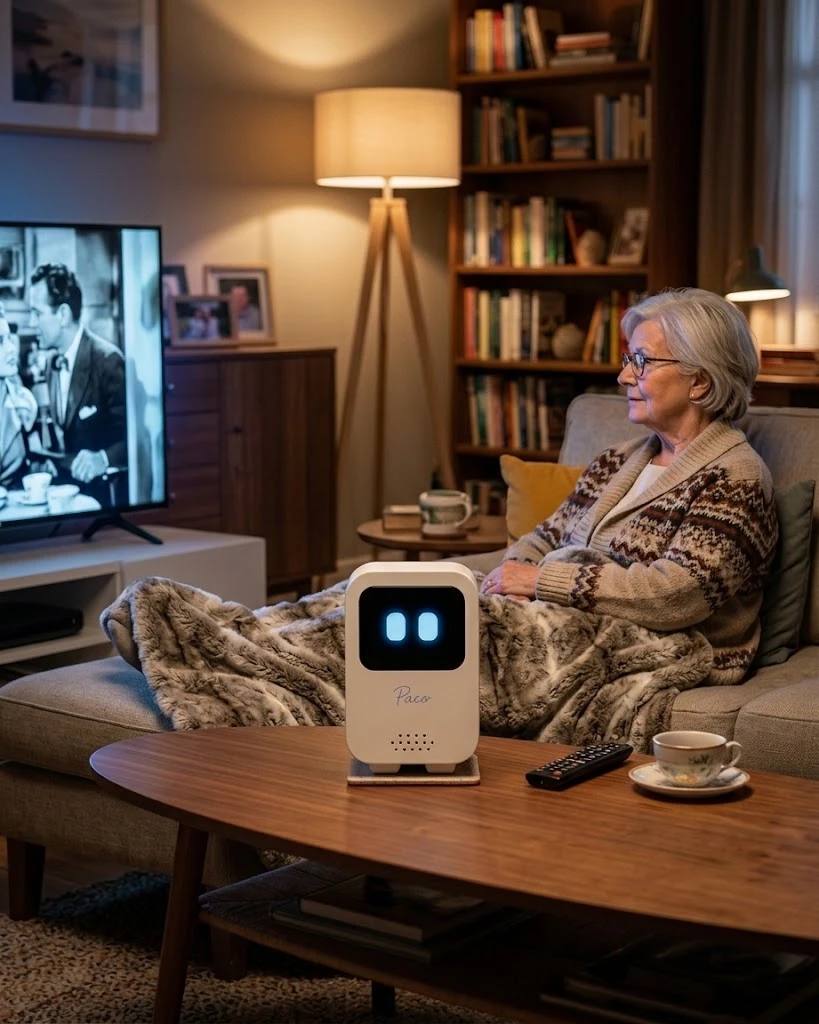
Paco is a companion robot born in Spain that lives on your table: you talk to it, it listens, it remembers you and it reminds you of what matters. This guide explains everything it can do today, in plain words and no jargon. It's meant to keep the whole family company, and older adults especially, or anyone who spends many hours at home.
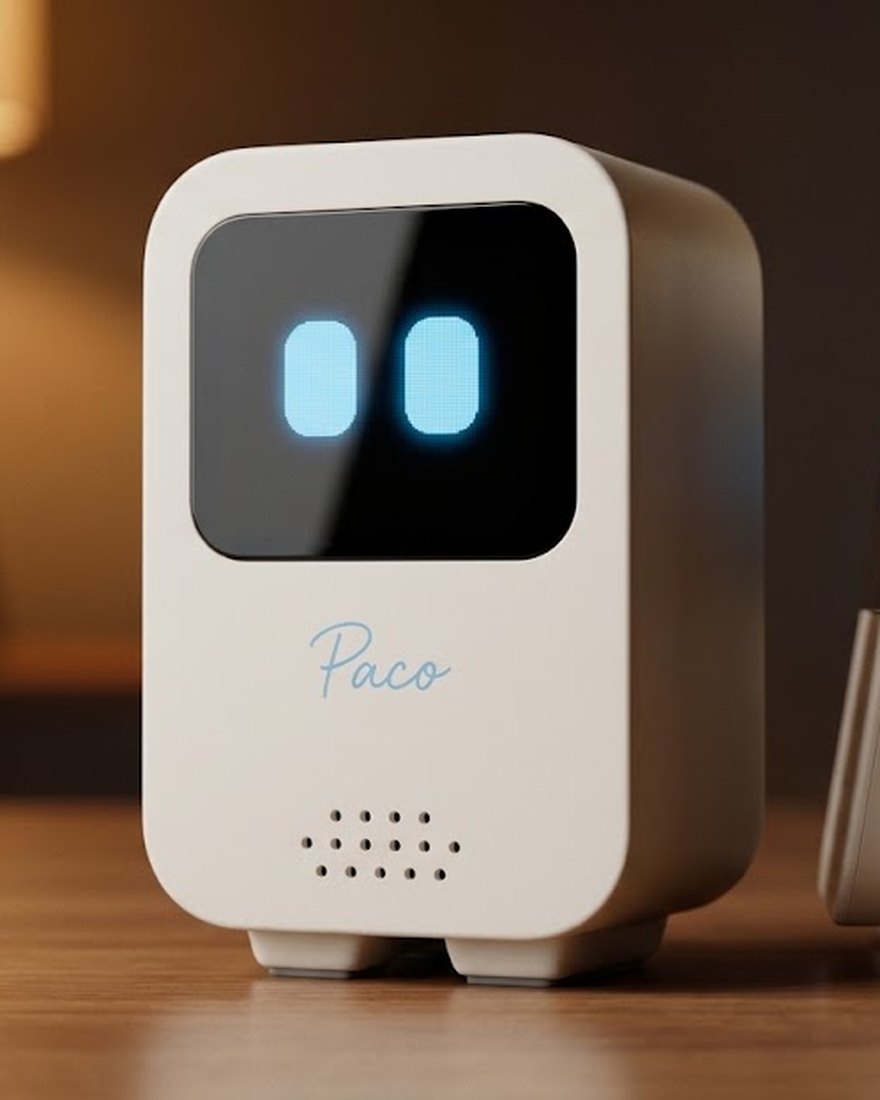
Talking by voice, naturally
With Paco you talk as you would to a person: you say something with your voice and it answers with its own, no buttons or screens in between. It's not a menu of commands or a speaker that only plays music: it's a real conversation, one that understands context and follows the thread.
You can turn on "Hey Paco" mode: it then waits quietly and wakes up when it hears its name, like the voice assistants you already know, but with nothing leaving the house while it waits. And it knows when to go quiet: if nobody answers, it asks whether you're still there and, if not, it says goodbye on its own.
A memory for each person
What makes Paco special is that it remembers. It doesn't start from scratch each time: it remembers your people, your tastes and your plans, and takes them into account in later conversations. If you tell it your daughter is called Marta and studies nursing, weeks later it may ask how Marta is doing with her exams.
Each person in the home has their own memory: what you tell it isn't mixed with anyone else's. And you're always in charge: from the app you can see everything Paco knows and ask it to forget anything, for good.
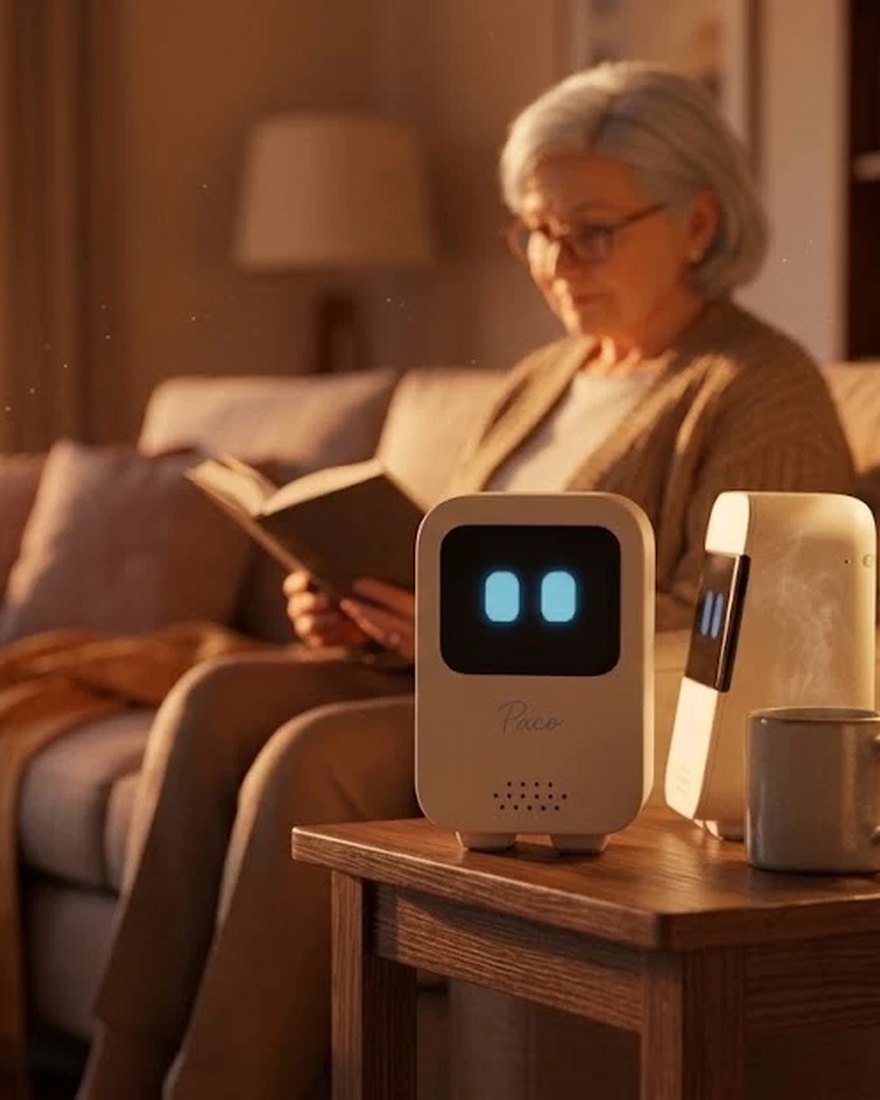
Alerts, reminders and medication
Paco doesn't only answer: it also reminds. You can ask it for reminders by voice — "remind me to drink water every two hours", "remind me every day at nine to take my pill" — and it's the one that tells you out loud when the time comes. It's one of the reasons Paco works so well as companionship for older adults: medication and appointment reminders arrive on their own, without anyone having to check a phone.
And a reminder isn't said into thin air: Paco calls you by name — "Sonia! Are you there?" — and only gives you the message when you answer. If you don't reply, it calls you again up to three times; and if nobody's home, it emails you the reminder so it isn't lost. All the detail is on the reminders page.
An honest word: Paco's reminders are a help, not a medical system. An internet cut or a switched-off robot can keep a reminder from going off, so if a dose is critical, don't let Paco be the only one to remember it.
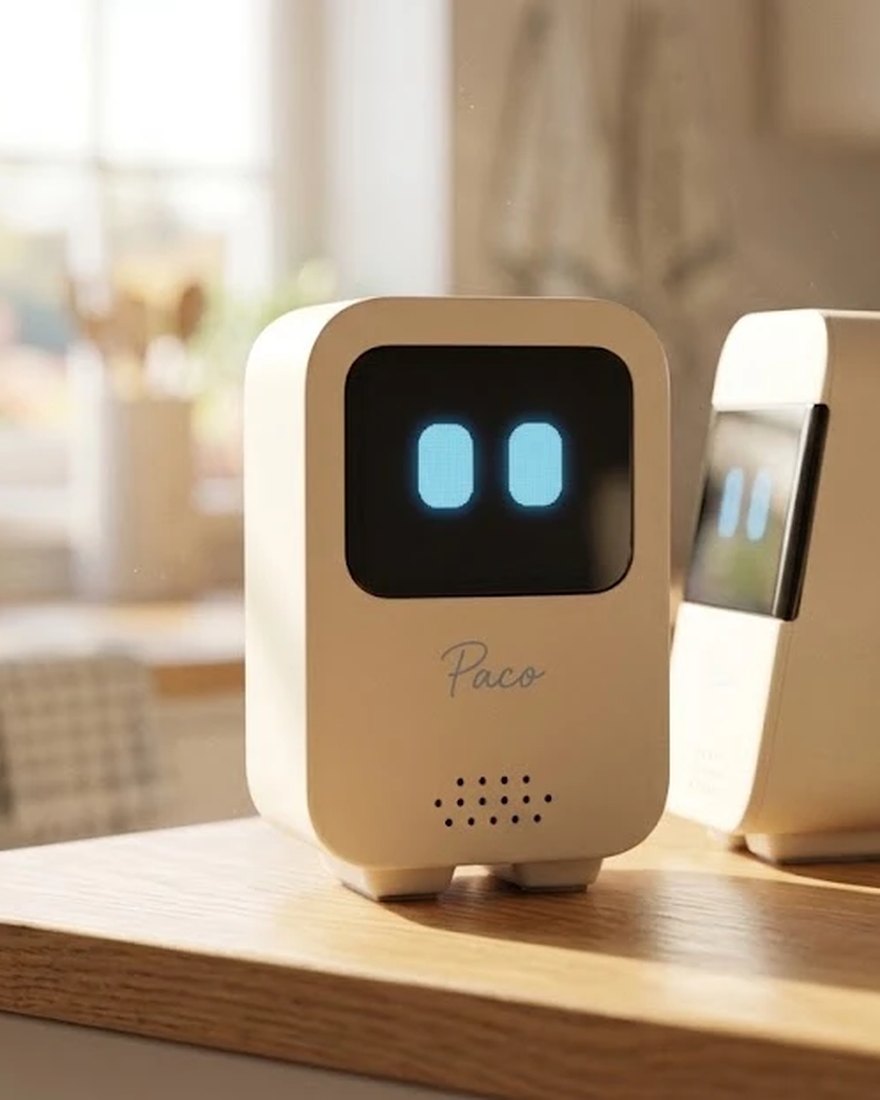
The agenda and the calendar
If you connect your Google Calendar, Paco checks your agenda by voice: ask it "what do I have tomorrow?" and it tells you in your local time. And it can warn you before each appointment — "remind me fifteen minutes before every meeting" — or ask how it went once it's over. It also writes: "Paco, put the doctor down for Thursday at five" creates the appointment, and "delete the dentist thing" removes it (before deleting, Paco confirms which one). The calendar is connected from the app, in each person's Settings: each one can have their own. The permission is stored encrypted in our vault, it only reaches the events (Paco can't touch the calendar's settings), and the robot receives the appointments, never the credential. Disconnect it with one button whenever you like.
Notes and lists by voice
Say "Paco, put down buy bread" or "add nappies to the list" and it saves it. Later you can go over your notes by voice or see them in the app, and delete them when they're no longer needed. It's the kitchen notepad, but one that hears you from across the room.
Sending things by email
When you want something kept outside Paco, you ask and it emails it to you: a shopping list, an errand, a dictated note. Paco can only write to the addresses the owner has set in the app — the account's or each person's in the home — never to an address dictated by voice.
Calls to the family, without a phone
"Paco, call Marta." Paco notifies Marta with an email, she opens the link on her phone and you talk through Paco, no dialling numbers or installing apps. And if Marta sees the email late, the same link lets her call you back: your Paco rings and you decide whether to answer. And if Marta has her own Paco, the call rings directly on her Paco: a ringtone, "so-and-so is calling…" and a big pick-up button — Paco to Paco, free. It can only call the contacts you've approved in the app beforehand — never a number or address dictated by voice — and the conversation goes directly between you: Paco dials, steps aside and doesn't listen to the call.
For one Paco to ring another, the permission goes both ways: you both have to have each other in your contacts. If that's not the case yet, Paco tells you and sends the other person a single email invitation to add you; as soon as they do, your Pacos will be able to call each other.
Details that help: while the ringtone sounds on a Paco, you can answer by speaking ("pick up", "not now"), as well as with the button. If a call rings and nobody picks up, the owner gets a missed-call email. And they're voice calls, not video calls: your family's voice in your living room. The whole thing, with the privacy and security part, is on its own page.
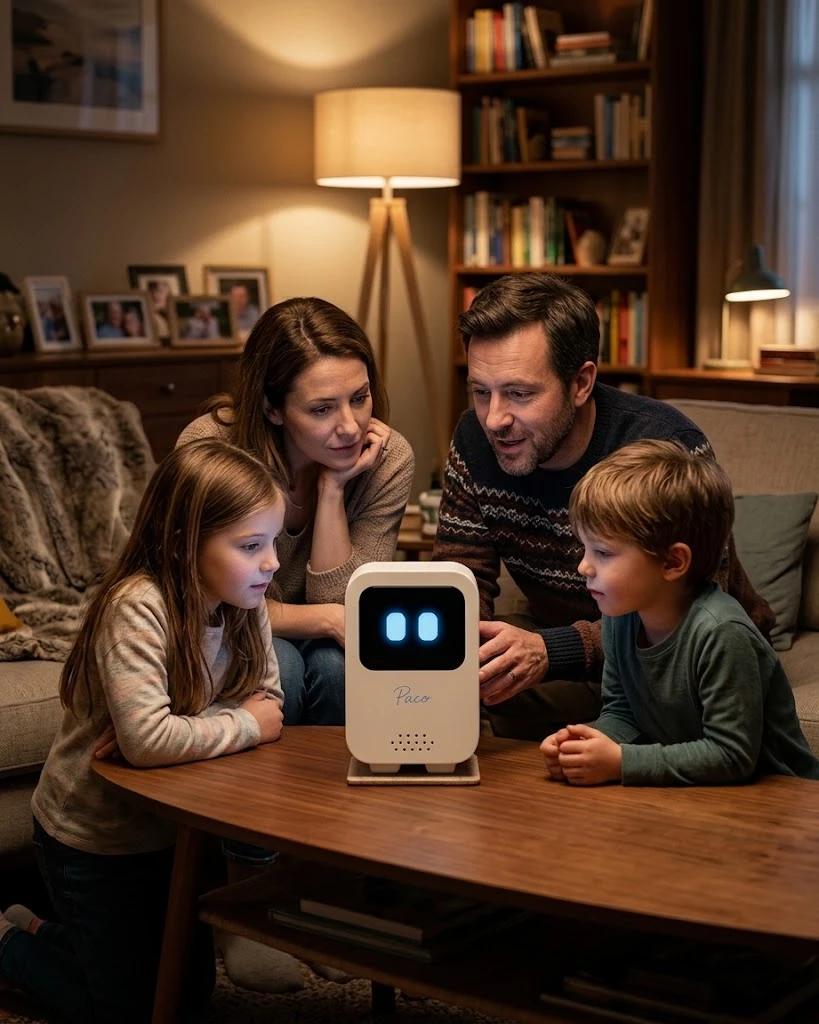
"Paco, play some music"
Ask it for a song, an artist or simply "some quiet music" and Paco finds it and plays it on its screen, with the YouTube player in view. Say "Paco" while it's playing and the music steps aside to hear you; ask it to stop and it stops. No playlists to set up: you ask by talking, like everything else.
The news works the same way: "Paco, play the news" and the quick bulletin from Spain's national radio comes on — about three minutes with the essentials of the day, read by real newsreaders and refreshed every hour. A news icon on the screen tells you it's the radio talking.
Games, jokes and good humour
Paco knows how to play out loud: riddles, finishing proverbs, twenty questions, word chains or trivia-style culture questions, tuned to each person's tastes. And it tells jokes — short and kind, never at anyone's expense. Just ask: "Paco, shall we play something?", "tell me a joke". If you don't feel like playing, it doesn't insist: games are for having fun, not for keeping anyone hooked. You can also ask it to get to know you better — "Paco, give me a quiz to get to know me" —: it asks you a few down-to-earth questions, talking and unhurried, and at the end tunes its tone to yours (if you want). All by voice: in the app you'll find the list of things you can ask it, to discover them.
A face with a life of its own
When nobody's talking to it, Paco doesn't just freeze: seconds after you say goodbye it's already busy again, living at its own pace by the time of day. In the morning it has its bowl of cereal and its coffee, lifts its weights, reads the paper, works at its computer, cooks before lunch, takes a nap, plays ping-pong with its own eyes, has a game of tennis, gets into a book, sews, practises boxing, goes for a drive, waters its plant, listens to music, plays video games with its controller and at night it sleeps. And while you talk, it gestures: it waves to you, types when it sends an email, gives you a hug and sets its eyes to match what it says — happy, sad, worried…
And if you stroke its head (the top of the screen), Paco half-closes its eyes with pleasure and lets out hearts.
The languages of Spain, and many more
Paco is a Spanish product and multilingual from birth. It speaks Spanish, Catalan, Basque and Galician, and also English, French, Italian, Portuguese and many others. Talk to it in your household's language and it follows you; it switches languages with you without you having to set anything up.
Several people at home
Paco is for the whole family. If someone it doesn't yet know speaks, it asks their name and adds them itself. From then on, when there are several people at home, it starts each conversation knowing who it's talking to, so it doesn't mix one person's memories with another's.
Privacy: what it keeps and what it doesn't
Paco's memory lives with you. Online there's only a copy so you can see it from the app on your phone. Paco never pretends to be a person — it tells you itself that it's an artificial intelligence — it doesn't use affection to sell you anything and it doesn't record your conversations: the audio travels in real time to Google (Gemini) to understand you, we don't store it, and from the chat only what really adds something is kept, which you can delete.
You can read the details in our privacy policy (in Spanish).
How to get started with Paco
To manage your Paco you need a free account in the app: from there you manage the people in the home (add them, set their email, connect their calendar, choose the colour of Paco's eyes with each one), see the memories, create reminders, manage contacts and decide what it forgets. Linking your Paco is as simple as typing a six-digit code.