 Español
How it works
Log in
Español
How it works
Log in
For families
Medication reminders for older adults: what actually works
"Did they take their pill?" is the question that comes up most in families caring from a distance. There are plenty of methods to keep a dose from being missed — from the old weekly pill box to voice reminders — and each one fails in a different place. Here we go through them honestly, ours included.
Why it gets forgotten (and why it isn't just carelessness)
A dose isn't missed out of neglect: it's missed because the memory of routine is fragile — every dose looks the same as the last, and by mid-afternoon it's impossible to tell today's memory from yesterday's. That's why the methods that work don't "remember harder": they take the memory out of your head and put it outside, in an object or in a voice.
The usual methods, and their limits
The weekly pill box is cheap and solves half the problem: the "have I taken it yet?" doubt is answered by looking at the compartment. Its limit: it doesn't remind you. If the day gets out of order — a visit, a long nap — the full compartment stays full.
Phone alarms do remind you, but badly: they sound the same for a pill as for a message, they're dismissed with an accidental swipe, and they need the phone nearby and charged. Many families set them up; few are still going off three months later.
Medication apps are great for anyone comfortable with a phone. For anyone who isn't, they add the very problem they mean to solve: another screen, more small print, another "where do I tap?".
A call from the family is the most human method and the one everyone wants most. Its limit is life itself: no one can call at 9, at 2 and at 9 every single day of the year.
The voice reminder: nobody has to look at anything
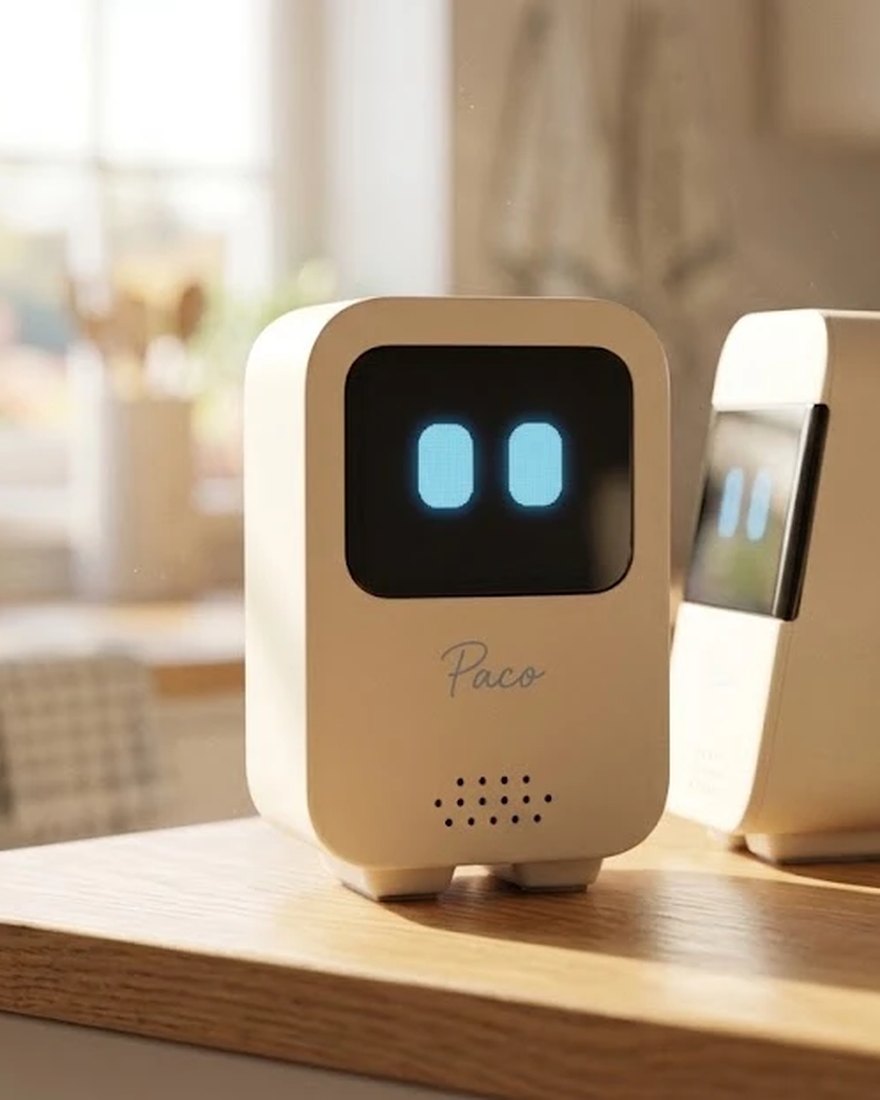
A companion robot changes the approach: the reminder doesn't live on a screen you have to look at, but in a voice that speaks up on its own at just the right moment. There's nothing to learn, nothing to carry, and nothing to dismiss by accident.
But a spoken reminder has a trap of its own, and we found it by testing: if the robot says the message into thin air and the person is in another room, the reminder "was given" — and did no good.
How Paco does it: it calls, insists and, if you're not there, writes
That's why Paco's reminders work like a good secretary, in three steps:
1. It calls you by name. "Sonia! Are you there?" — and it doesn't give the message until someone answers, the way a person would on walking into a room.
2. It insists, without nagging. If there's no answer, it calls again, up to three times, with a few seconds' margin to get there from the kitchen. And if you tell it you can't right now, it doesn't insist: reminding isn't pestering.
3. If nobody's home, it puts it in writing. Once the calls are used up, the reminder arrives by email — "I had a reminder for you and nobody was home" — so it isn't lost in the air. When you get back, it's in your inbox.
Creating a reminder is just saying it: "Paco, remind me every day at nine about the blood-pressure pill", "remind me in 20 minutes to turn off the oven". The family can also create and see them from the app, and with the calendar connected, Paco also reminds you before each appointment.
What no reminder can promise
We say this while selling voice reminders, so take it seriously: no method is infallible. A power or internet cut, a device switched off, a slip — every reminder can fail, ours included, and we put it in writing (in Spanish). Paco is not a medical device: if a dose is critical, let Paco be one more layer — the most convenient one — never the only one. The old pill box and the family's call are still good teammates.
Reserve your Paco See everything it does
You might also like: companionship for older adults · what a companion robot is · Paco's family calls.